Plan the work. Watch it move.
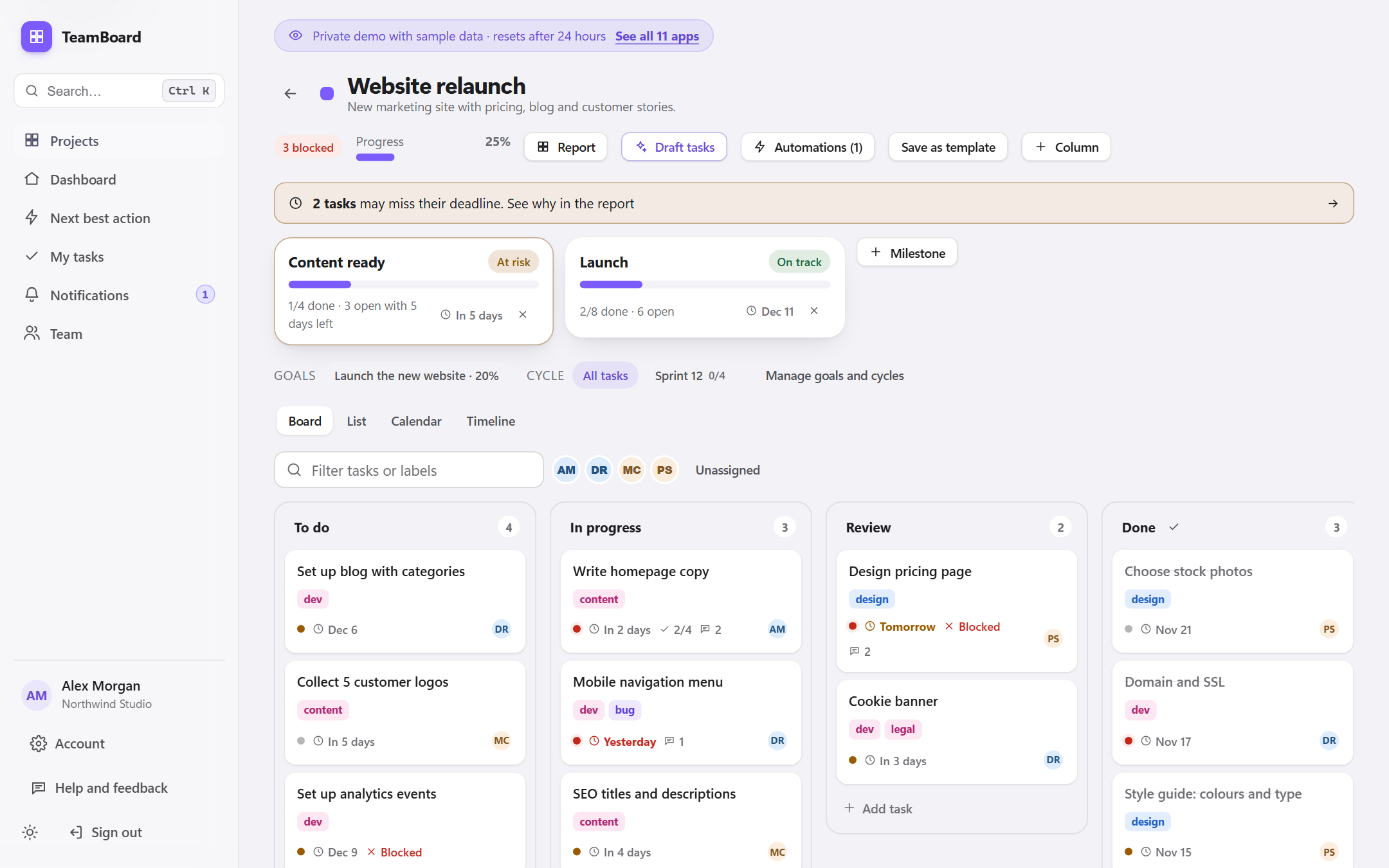
Kanban boards for small teams. Drag tasks across columns, assign people, set due dates and keep every detail in one place.
No sign-up needed for the demo · your own private sample workspace
- Small product teams
- Agencies
- Project leads
How it works
- 1Create a project
- 2Add and assign tasks
- 3Drag tasks across the board
- 4See your next best action
What it does
Drag-and-drop boards
Move cards between columns and reorder them.
Assign the team
Filter the board by person and see everyone's workload at a glance.
Due dates
Late and due-soon tasks stand out.
Checklists
Break big tasks into steps and watch the progress bar fill up.
Comments
Discuss each task right where the work is.
Keyboard and touch
Every card has a Move menu, so it works without a mouse too.
AI helps. You decide.
What the AI does
Suggests what to do next and who has room.
What stays with you
You choose and assign.
Works without an AI key too: a built-in method is used, and it says so.
Private by default
- Your own private workspace; roles for owners, admins, members and viewers.
- Activity history of important changes.
- Download all your data, or delete your account, from the Account page.
Questions
Why can’t I add this dependency?
It would make a loop (a task waiting on itself), so it is refused.
Why is this task first in my list?
The reasons are written next to it: late, due soon, priority, blocks others, already started.
When does a repeating task come back?
When you finish it, the next copy is made with the next due date.
See TeamBoard with real sample data.
One click. Your own private demo. Nothing to install.